 Cptn PES
Is your device ready?
A real device check, measured ping, cleanup and temperature tracking — every tool around one heart.
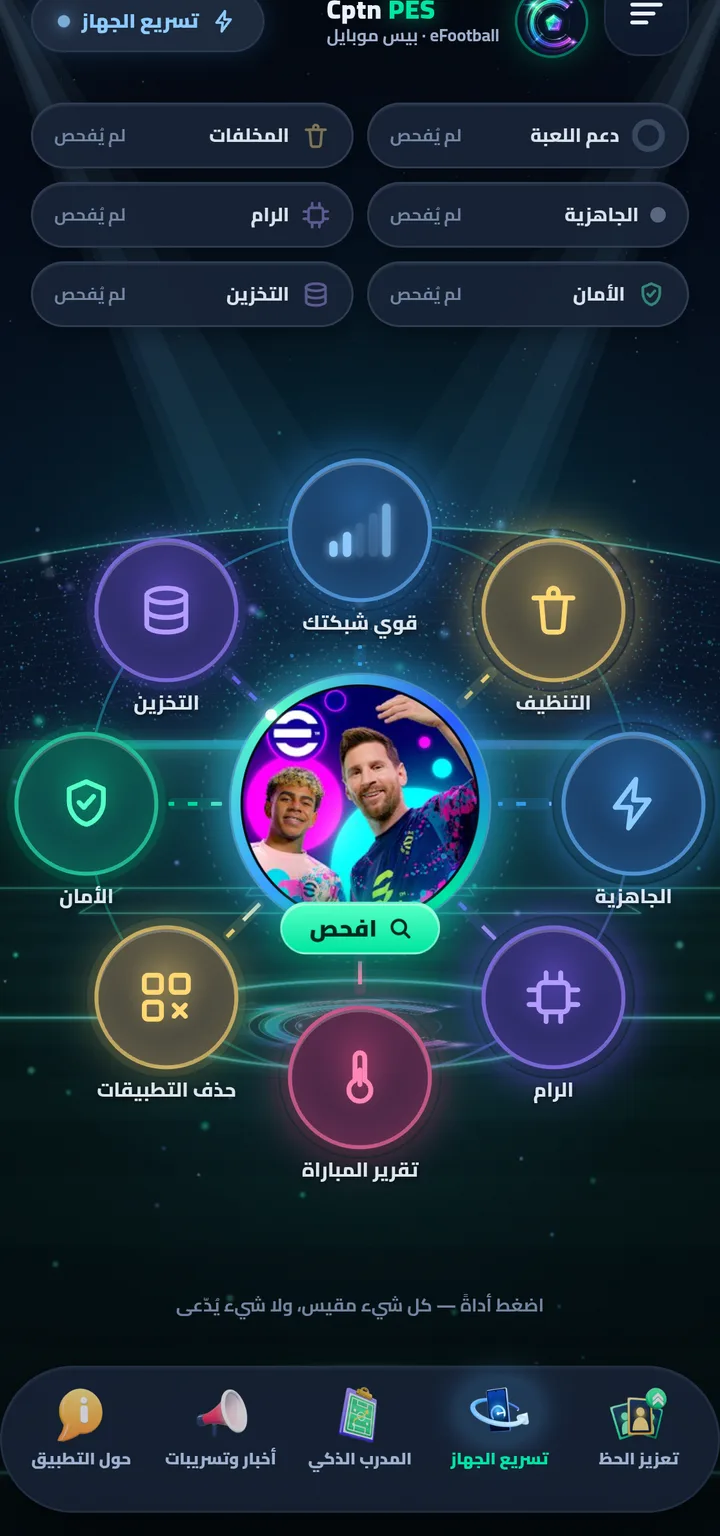
One heart, eight moons
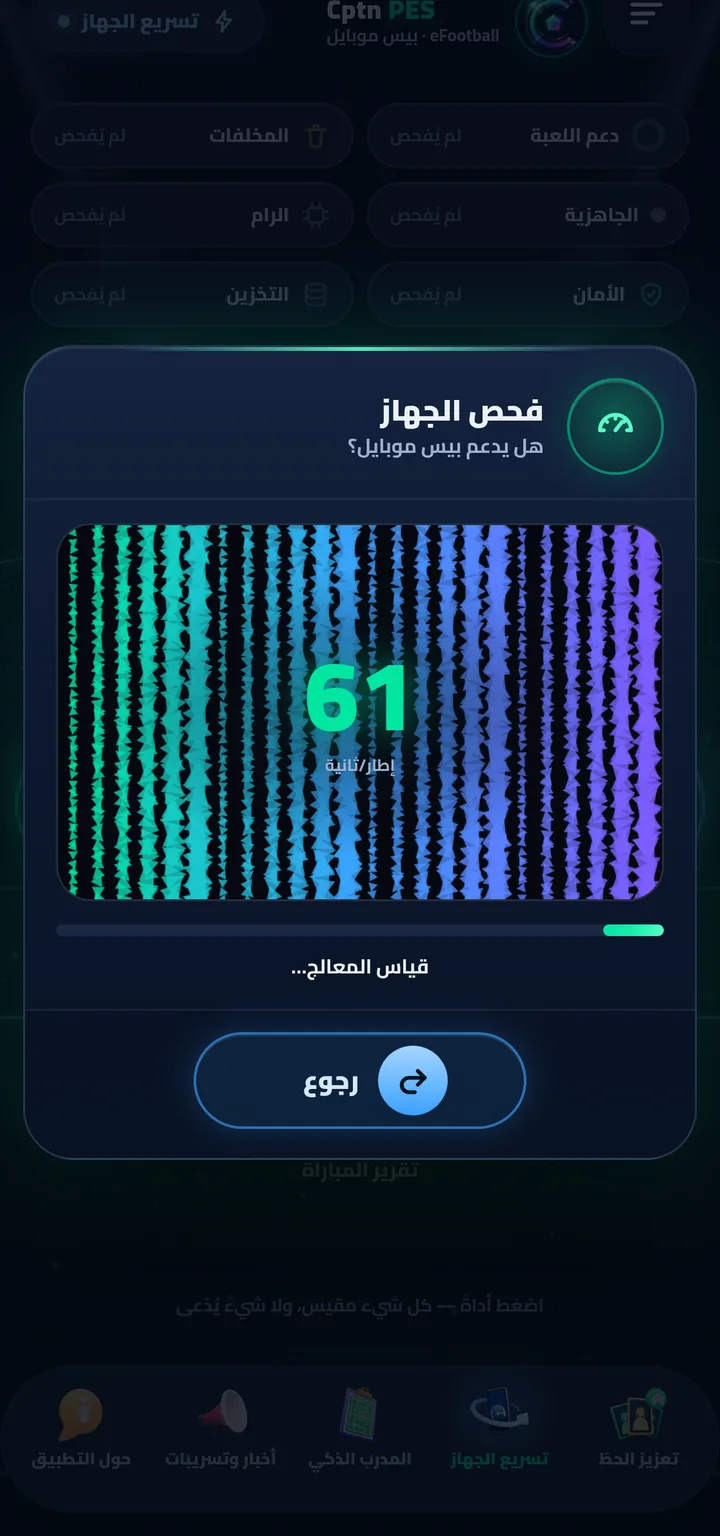
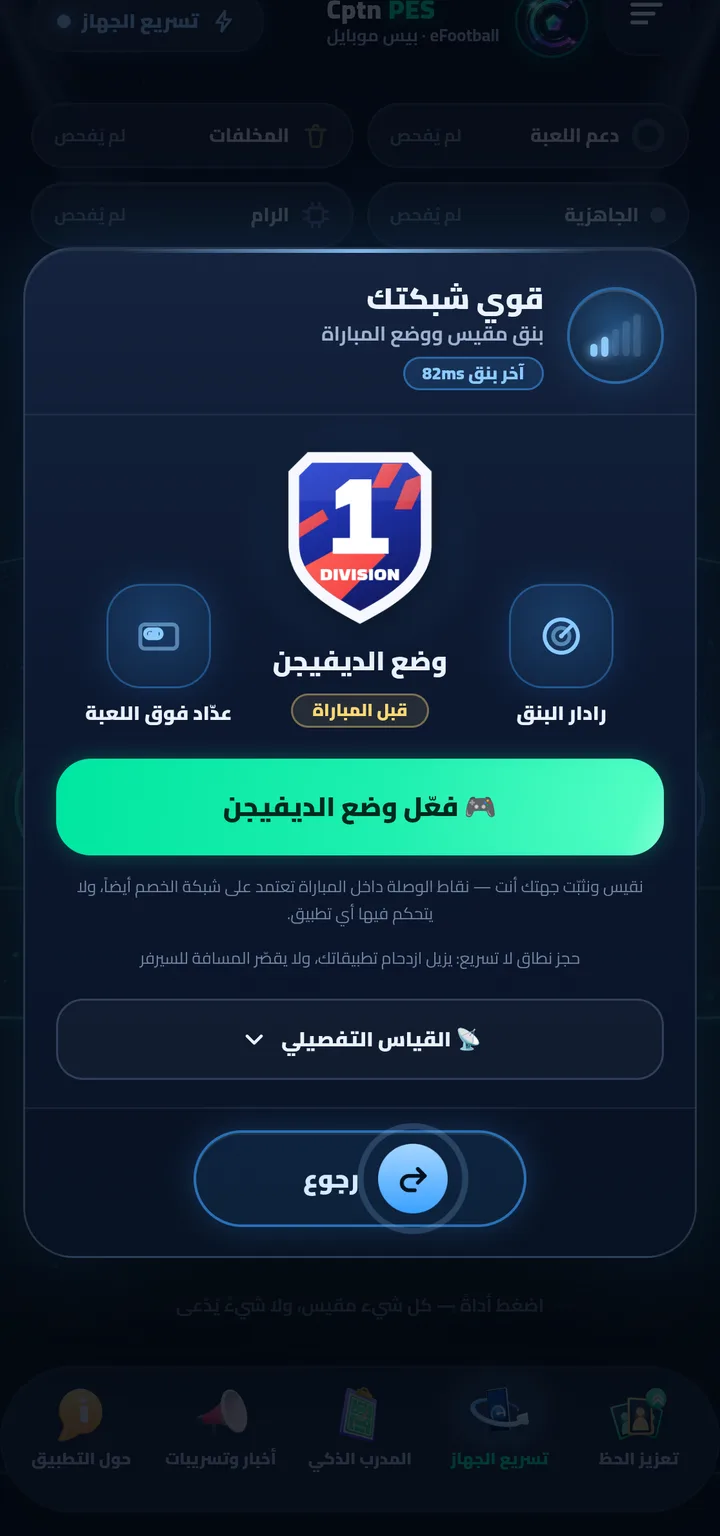
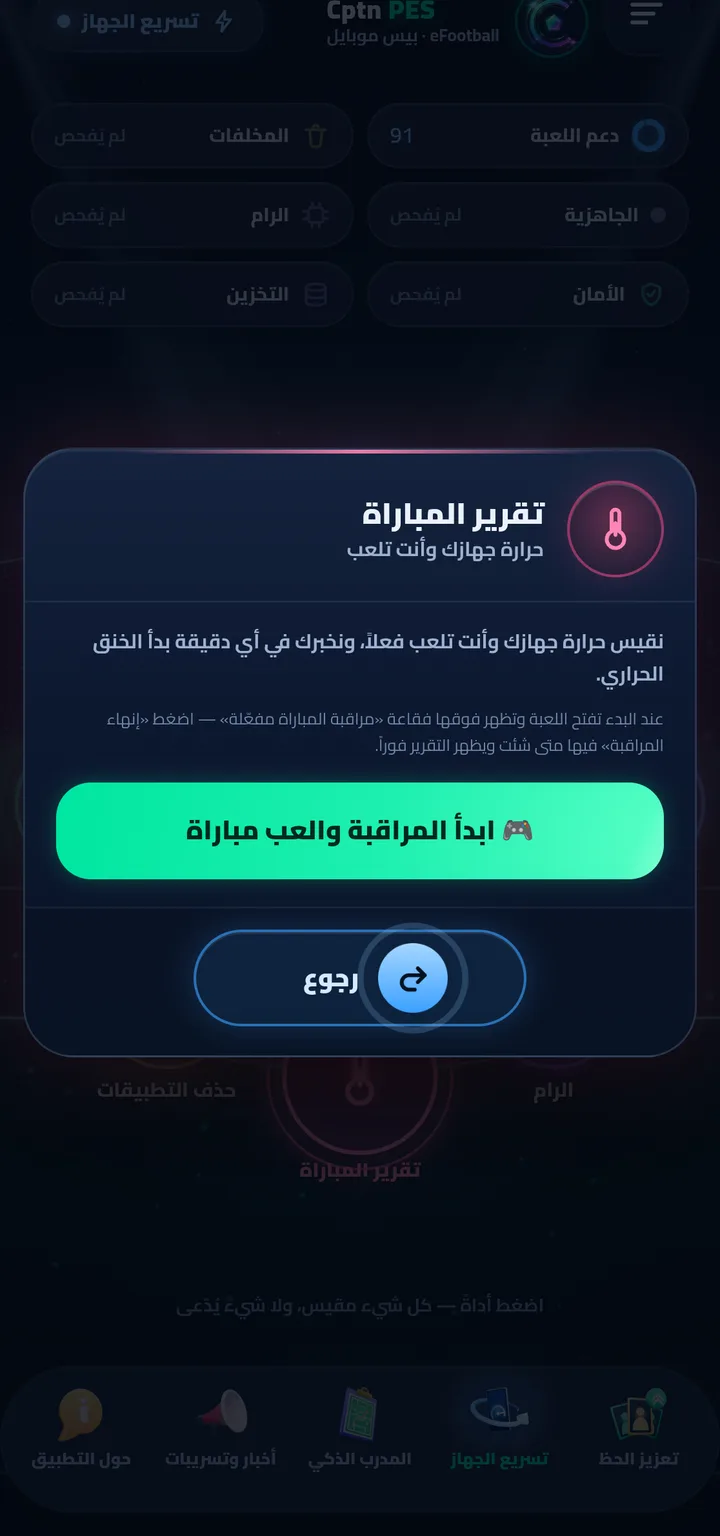
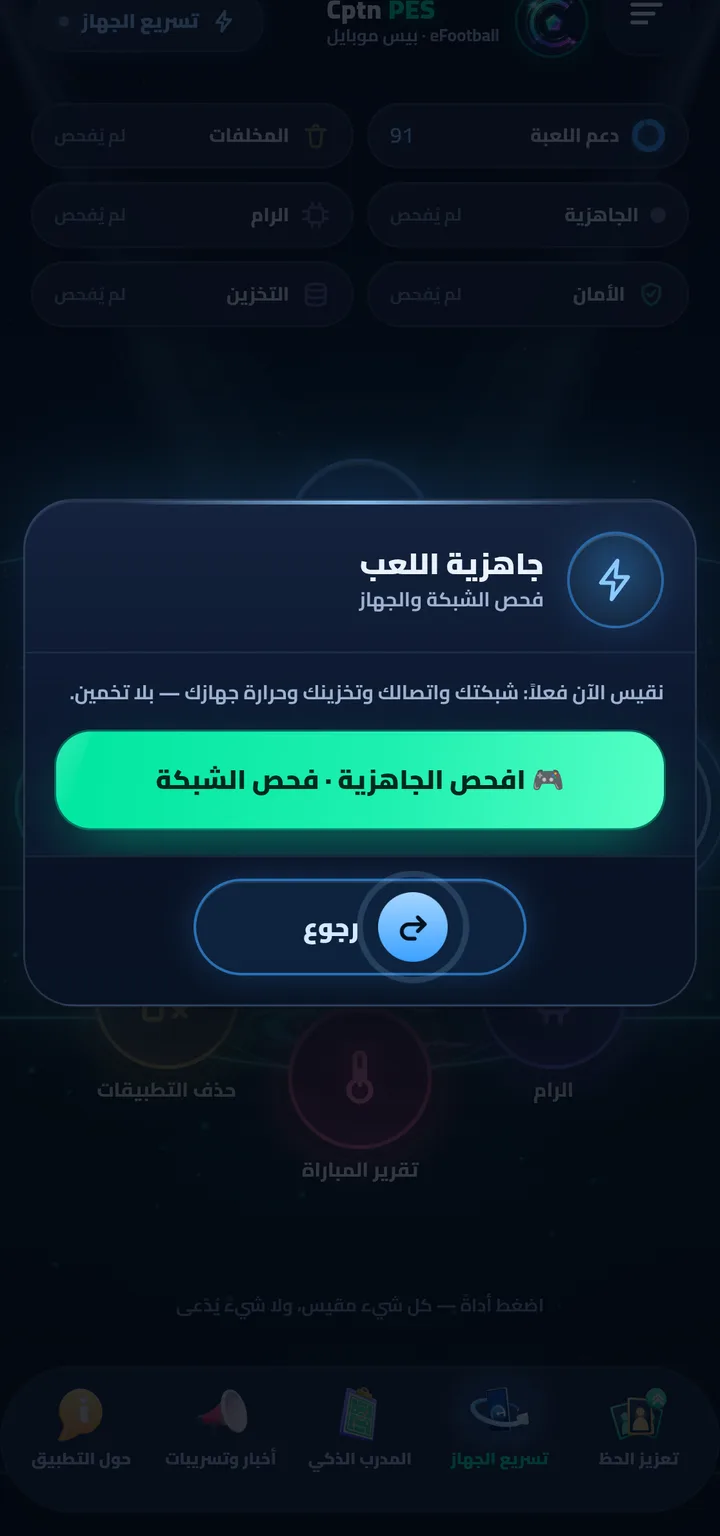
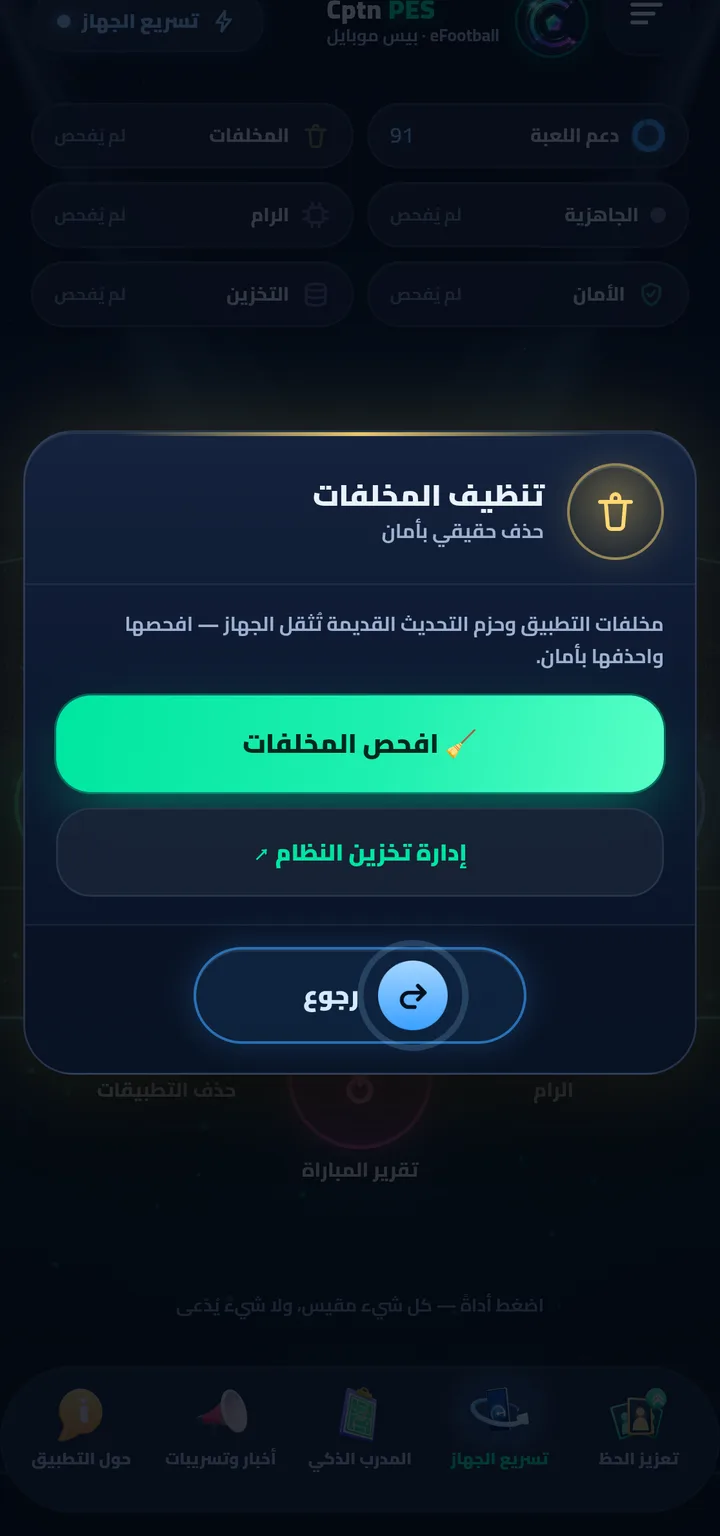
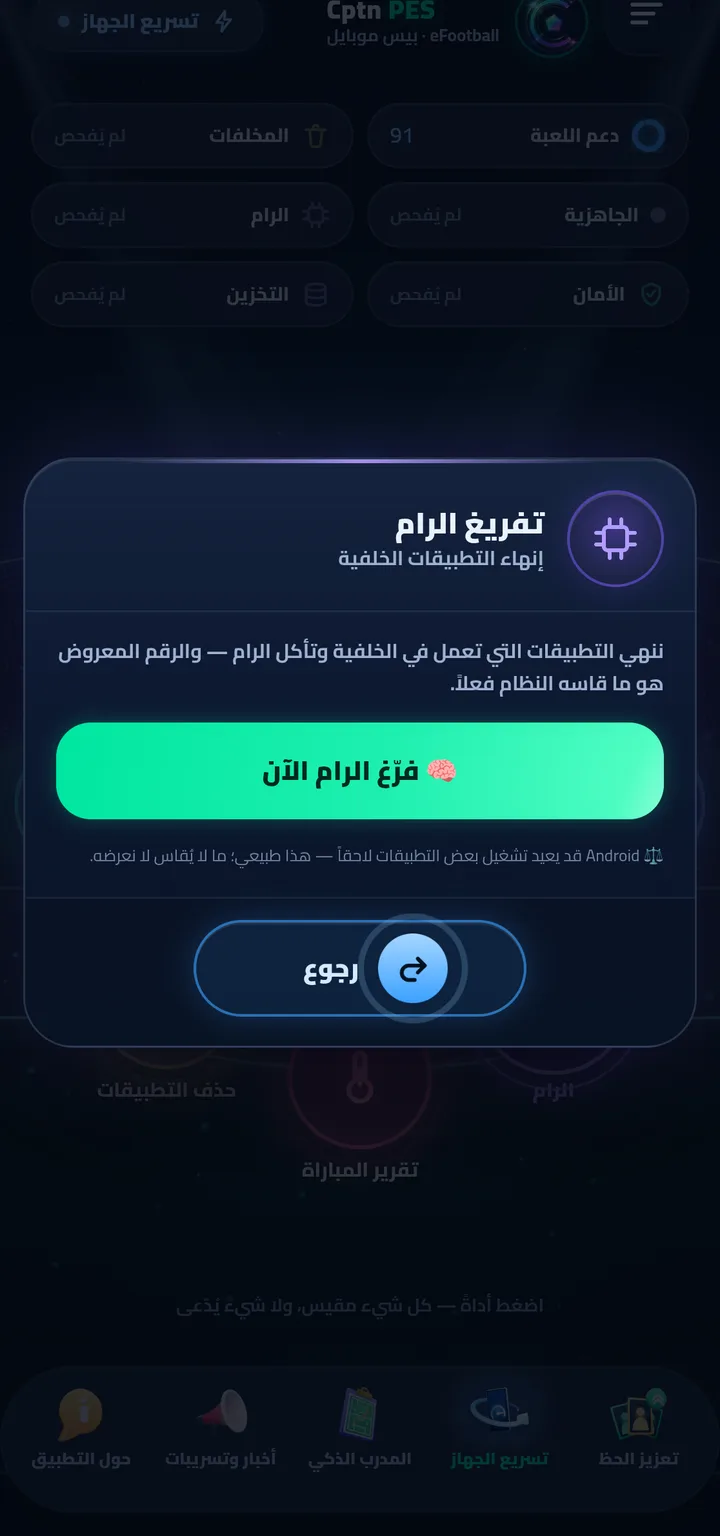
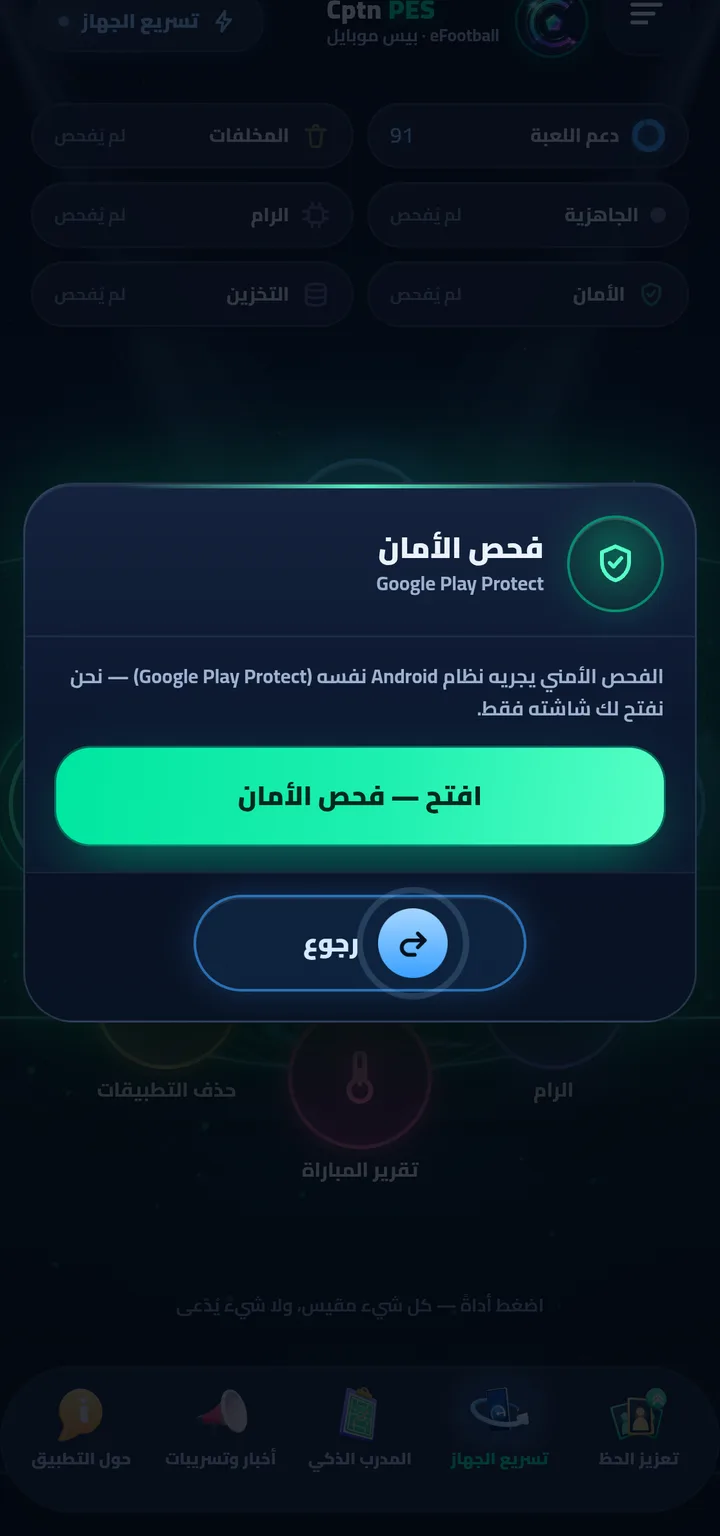
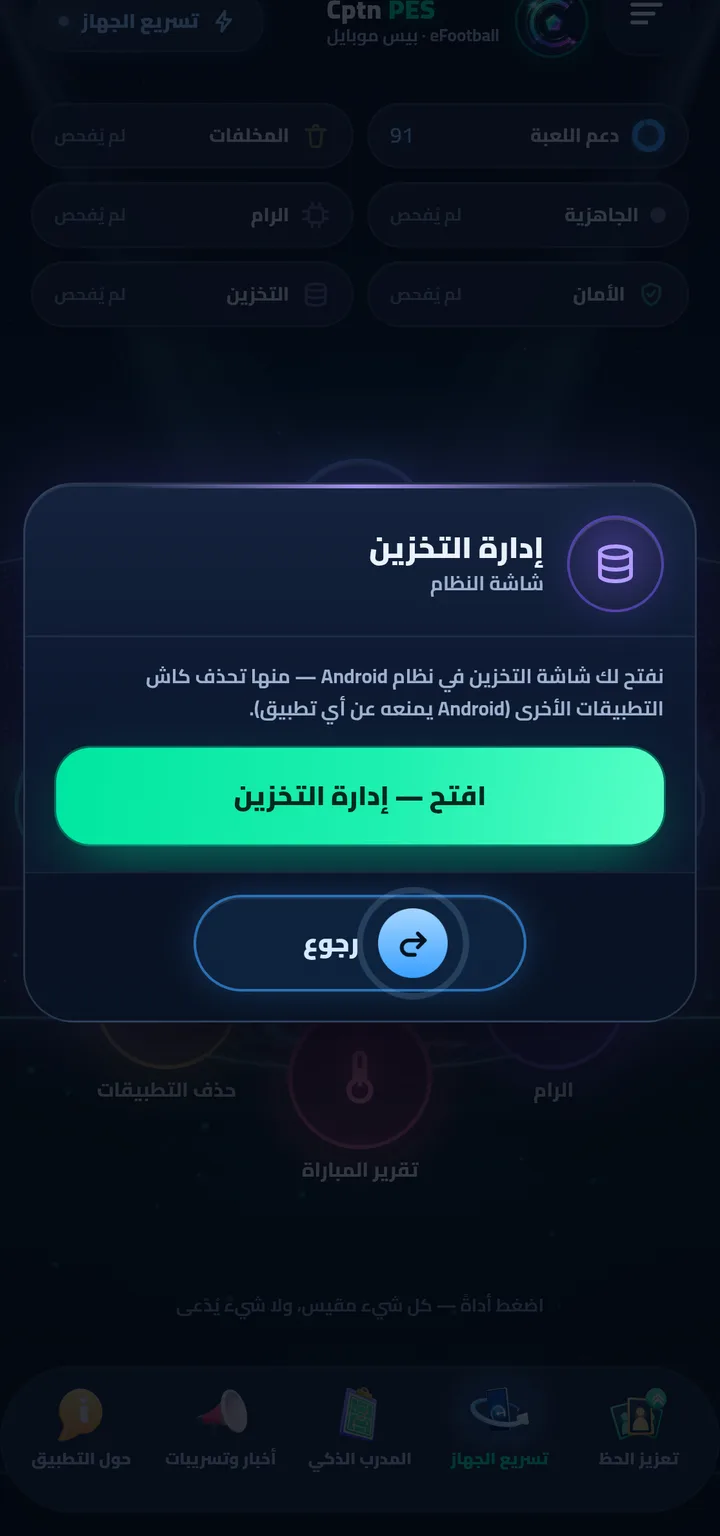
“Tap a tool — everything is measured, nothing is claimed” — that's the app's own line under the orbit. Real screenshots from a player's phone (Arabic interface; the app also runs in English):
What exactly does it do?
When you turn on match mode (or “Division Mode” in Boost Your Network), the app opens a local VPN interface on your phone — no server and no outside middleman. Every app is routed into it except the game and ours, and the packets that arrive there are dropped, so they never reach the internet.
The result: background downloads and updates pause, leaving the bandwidth for your match. Not a single byte of your data passes through us — there's no outside destination at all.
What it doesn't do: it doesn't shorten the distance to the game server, and it doesn't control your opponent's network. The app says it itself: We measure and stabilize your side — the connection bars inside the match also depend on the opponent’s network, which no app controls.
Step by step
- The heart in the middle is “Device Check” ⇒ “🔍 Check my device” — about 20 seconds, then you get a score out of 100 and whether it runs PES.
- Eight moons orbit the heart — tap any moon to open its tool: “Network” · “Cleanup” · “Readiness” · “RAM” · “Match Report” · “Uninstall Apps” · “Security” · “Storage”.
- “Boost Your Network” measures ping and turns on match mode · “Readiness” checks network and device before a match in one tap.
- “Cleanup” safely deletes Cptn PES leftovers and its update packages — clear the game's cache from “Storage”.
Read next
PerformanceeFootball Mobile high ping & lag: what can actually be fixed?
What your phone can and can't do — and how to measure ping and reserve the network for the match, honestly.
 The truth
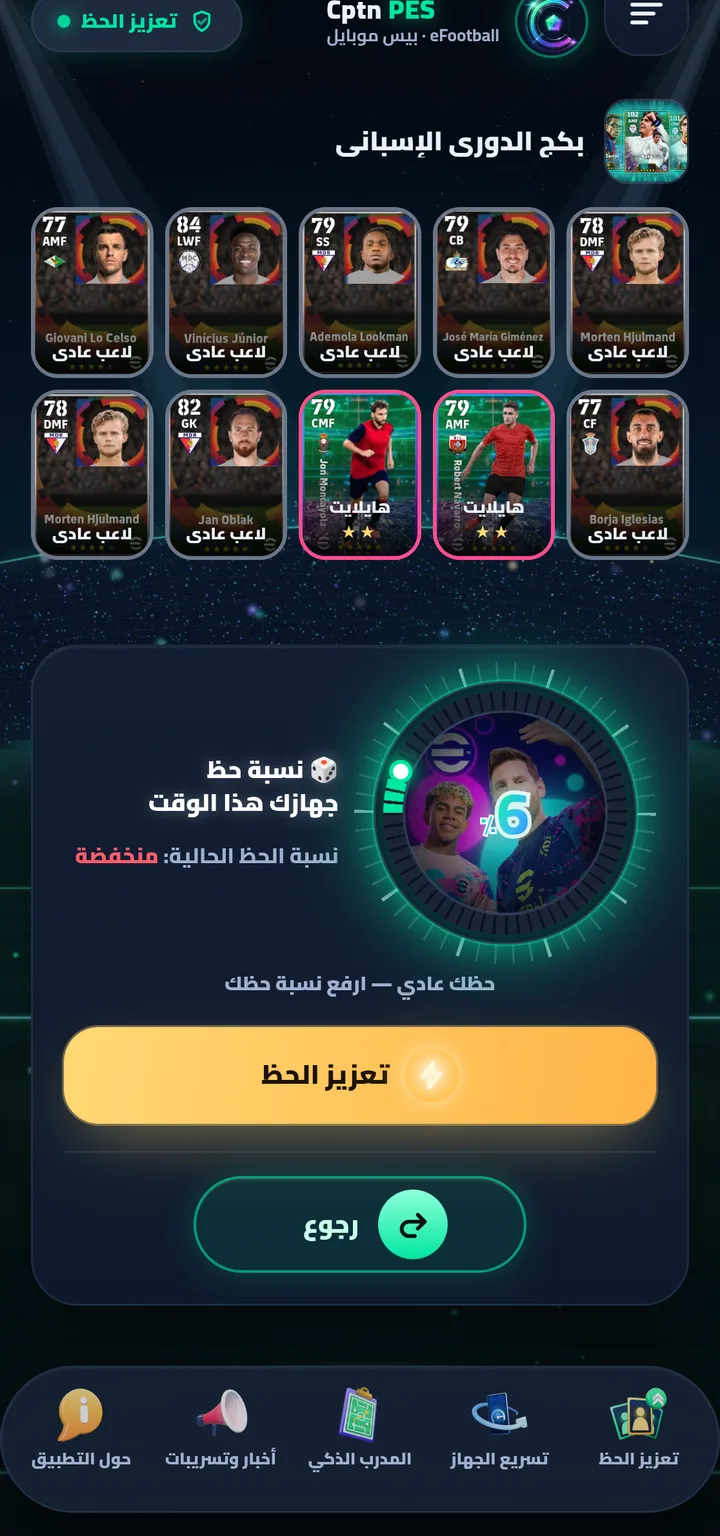
Does a luck VPN raise your eFootball pack odds? The truth
What a VPN actually does, what no app can do — and why we call our section entertainment.

Get Cptn PES
For Android (6.0 or newer), and it updates itself with one tap. Download it from our site only.