 Cptn PES
The third section in the app
Your strongest squad
Scan your squad from inside the game and get the best formation, manager and developments — then watch it play.
Coach tools
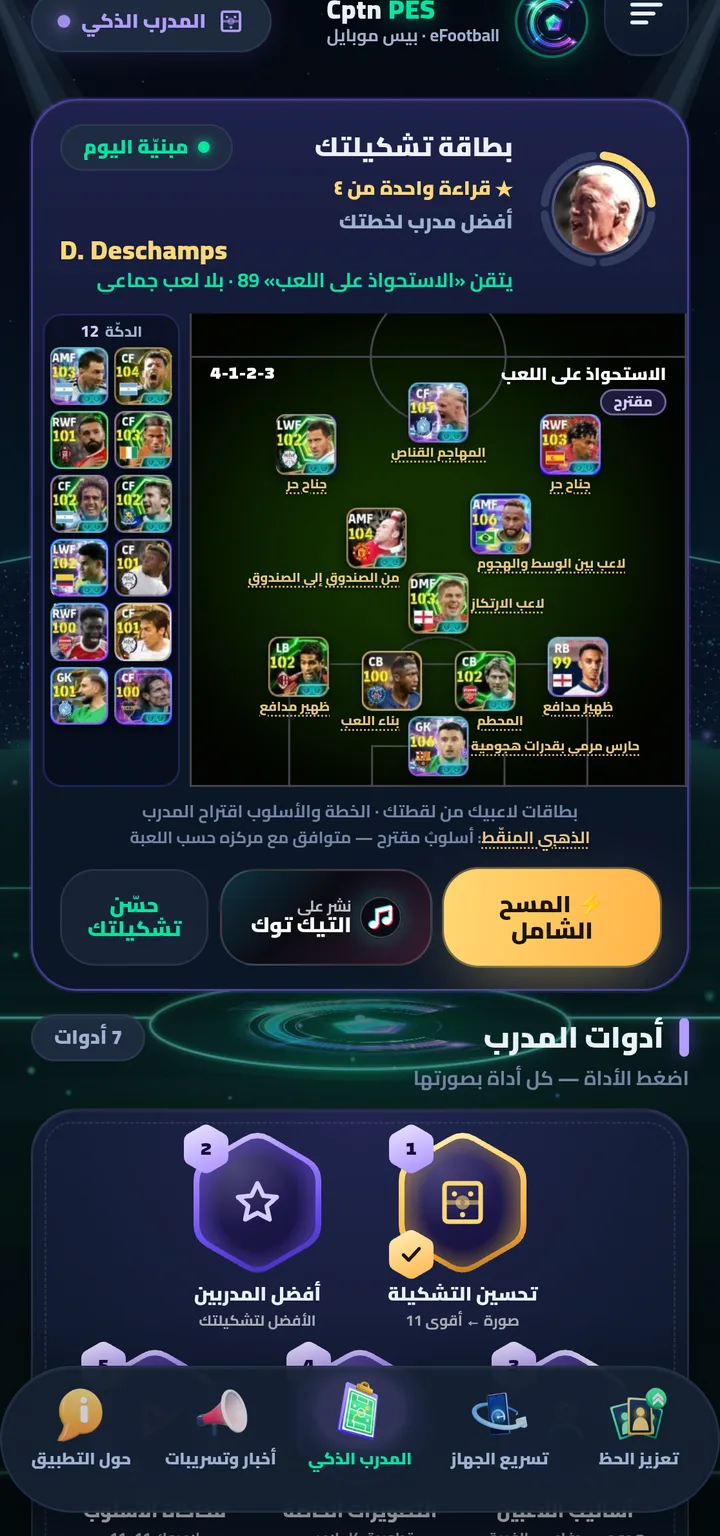
Seven tools — from one screenshot
Real screenshots with a real player's squad (Arabic interface; the app also runs in English):
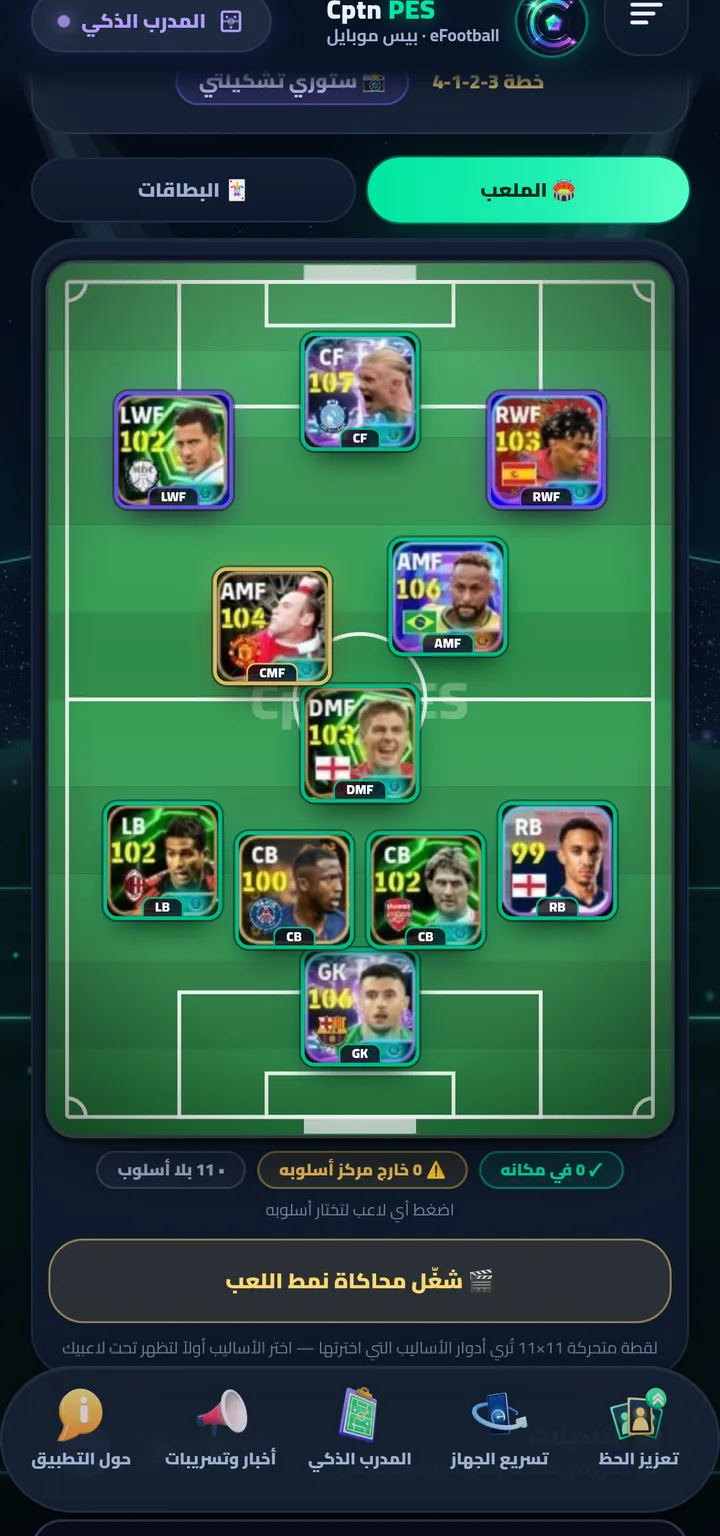
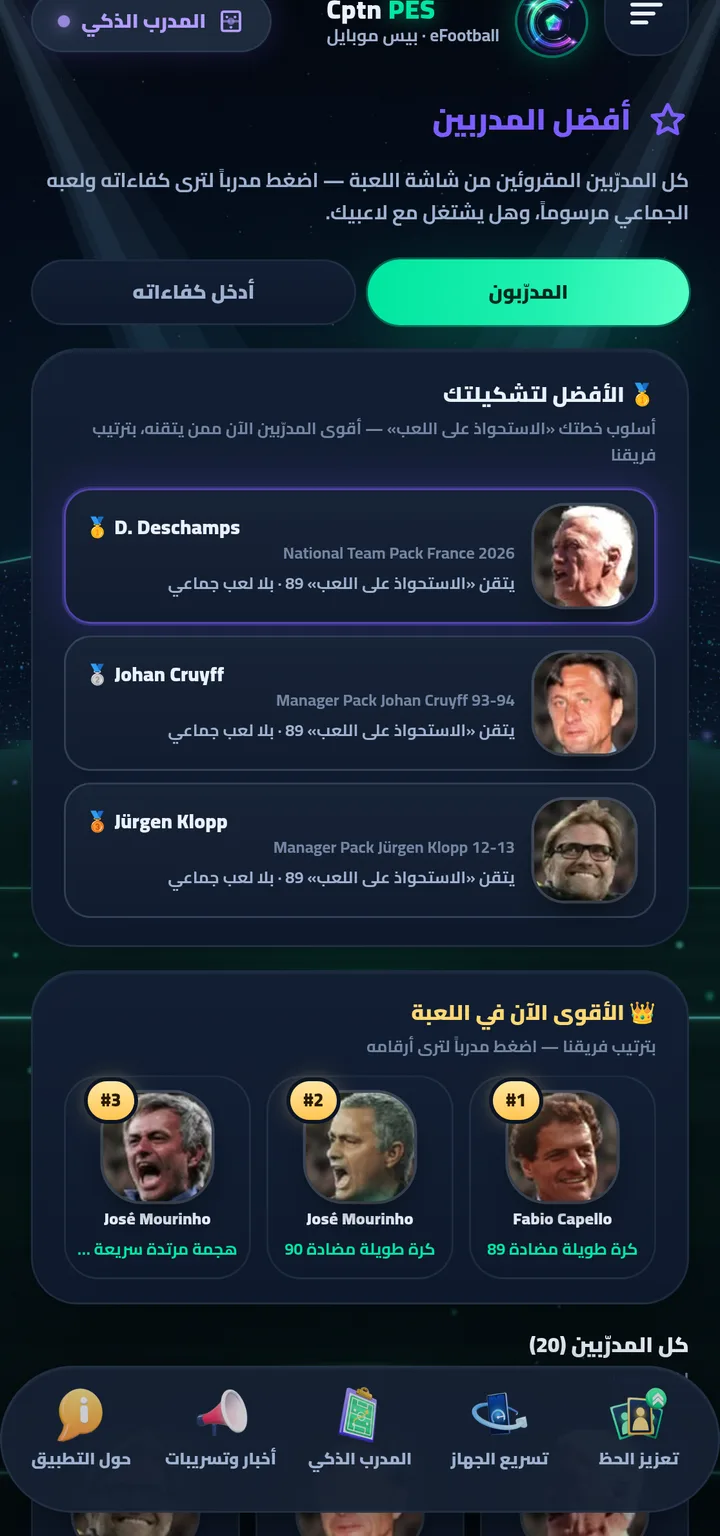
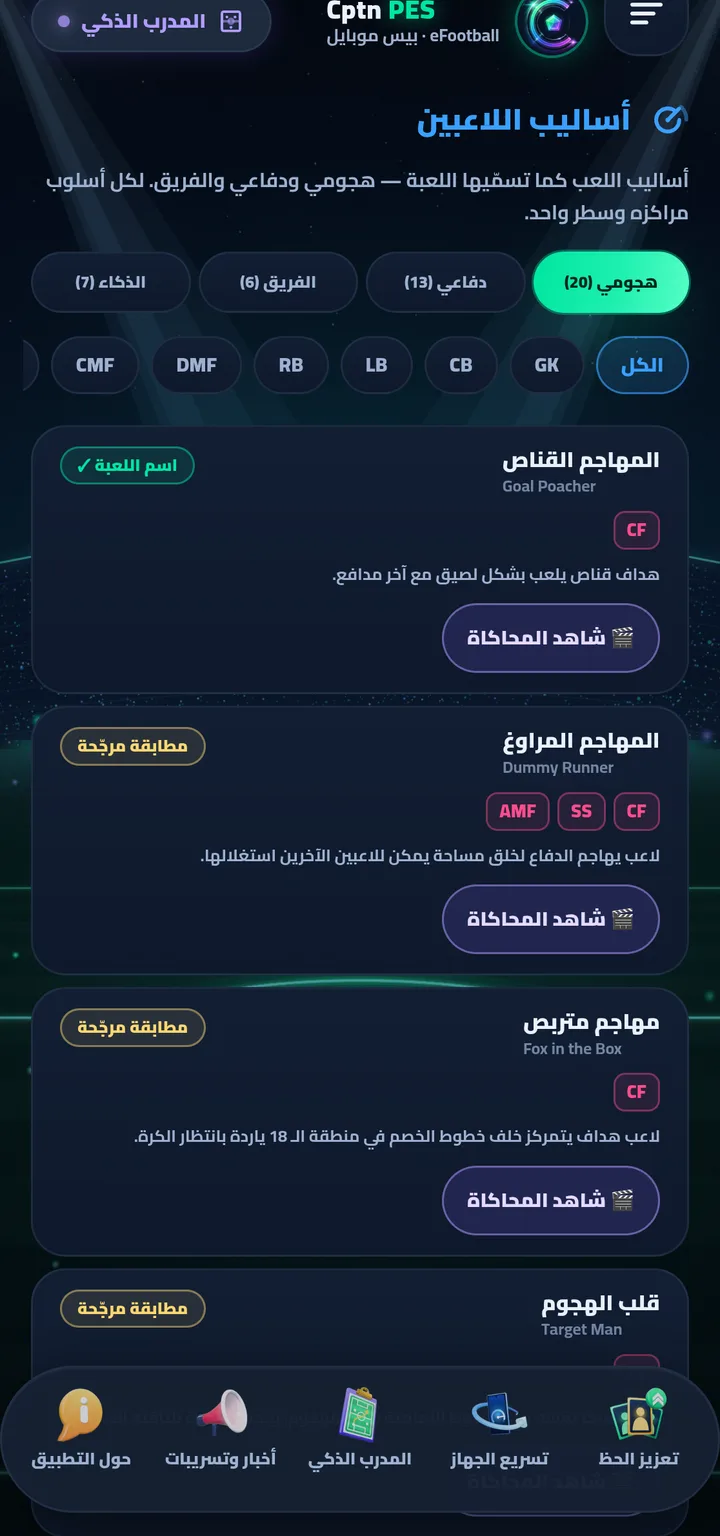
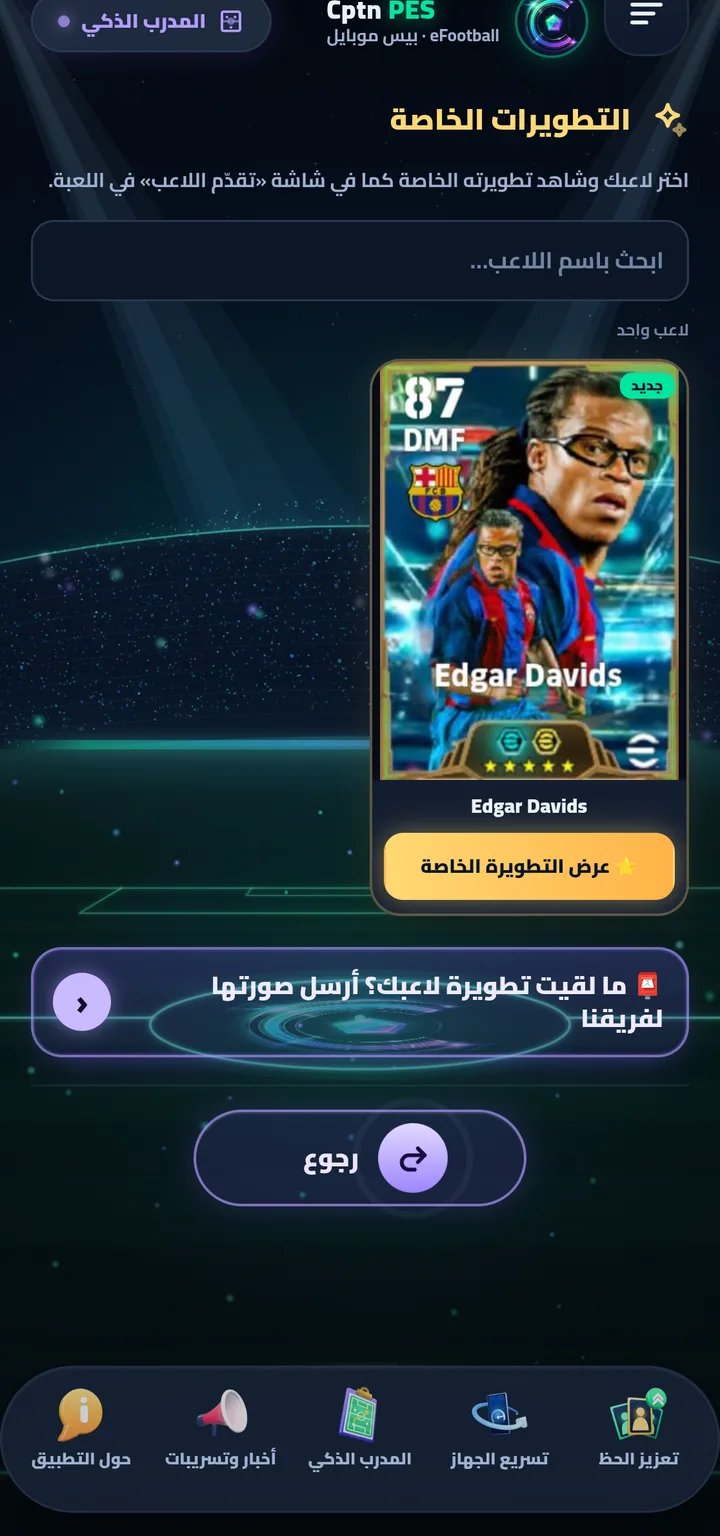
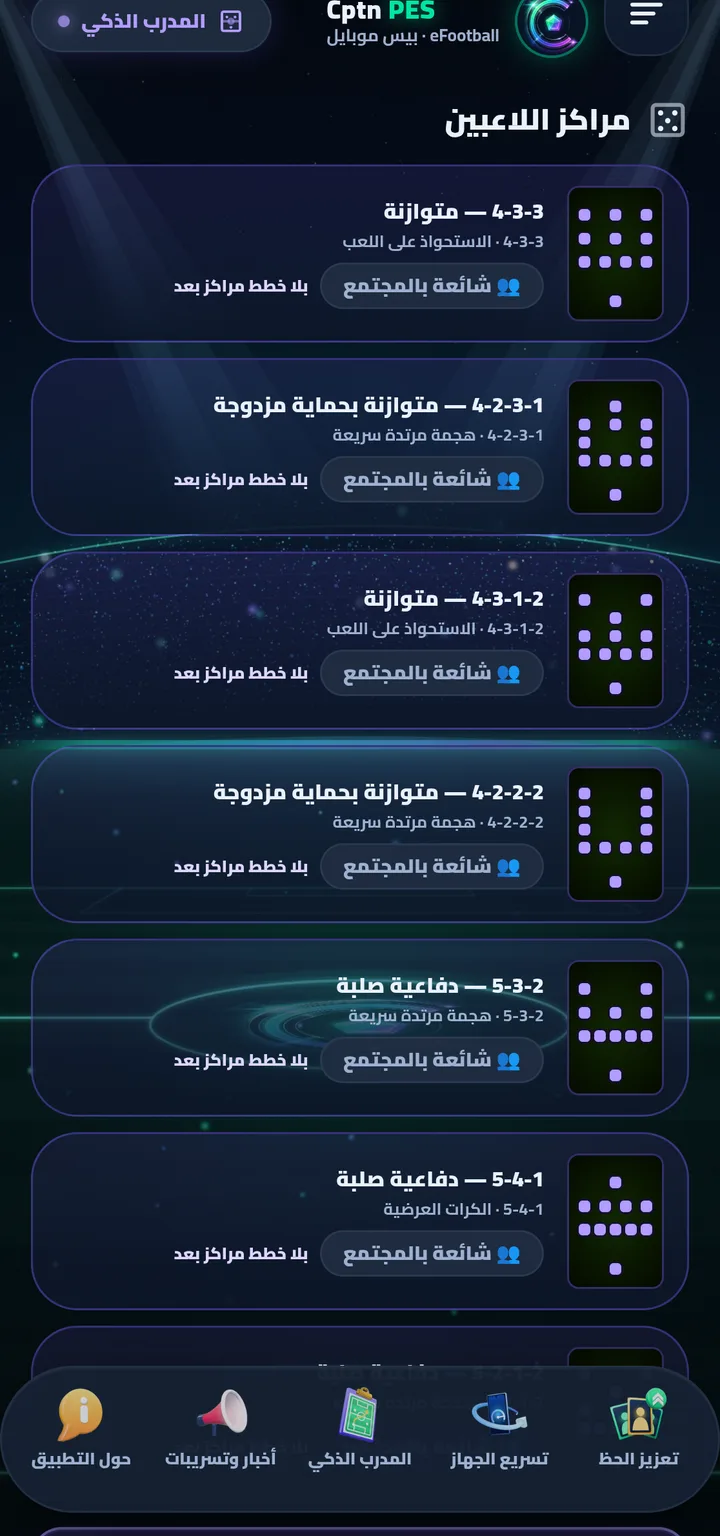
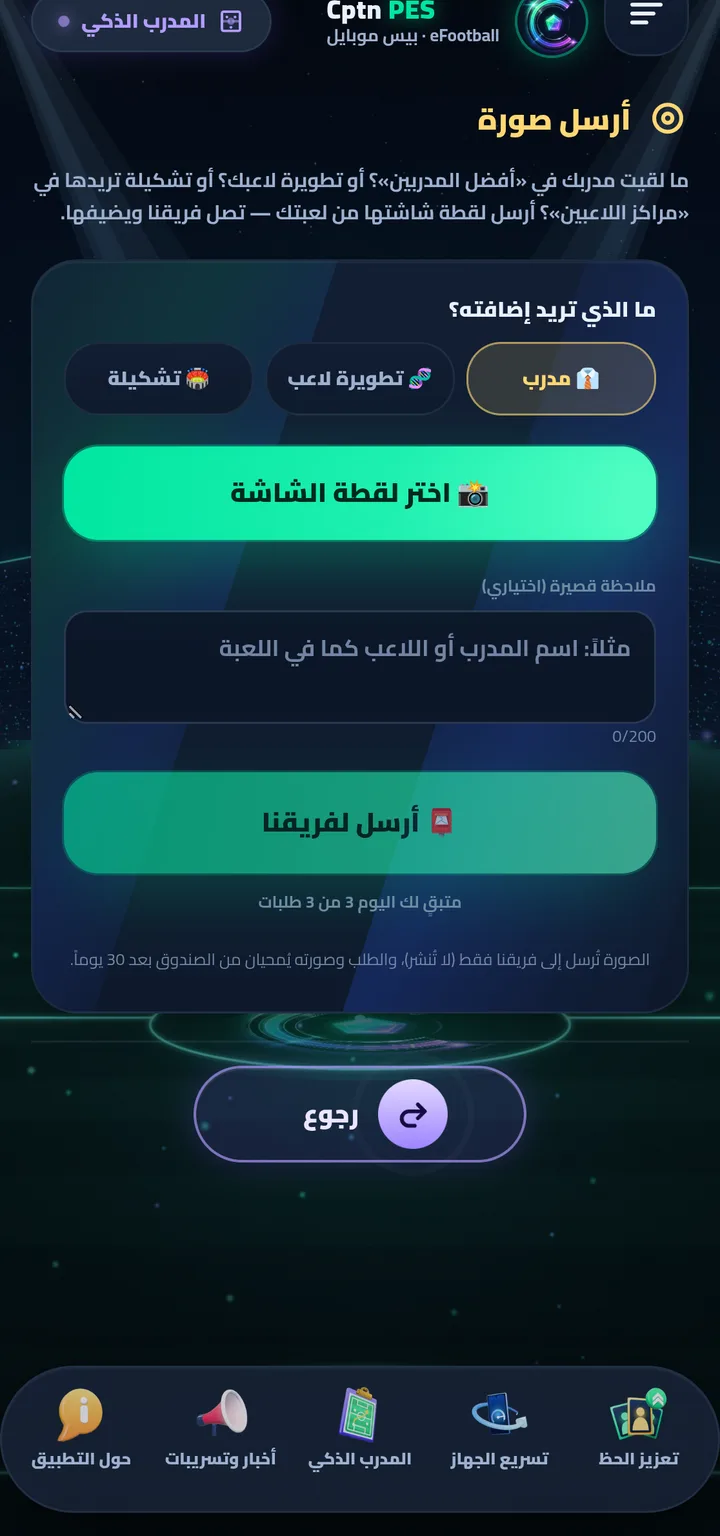
Full scan
How does it read your squad and manager?
No account and no password: you choose to share your screen through the system's own consent, then “Read” picks up what the game shows.
- Tap “⚡ Full scan” ⇒ “📸 Start — the system consent appears” ⇒ choose “Entire screen” and accept ⇒ “🎮 Enter the game”.
- In the game: open your squad → the camera icon 📷 → “Read” · then your manager's photo → “Read” — and you come back with your players and manager.
- Can't open the game? Tap “Improve your squad” and upload a screenshot of your squad.
- The coach's seven tools: “Improve Squad” · “Best Managers” · “Playing Styles” · “Special Developments” · “Playstyle Simulation” · “Player Positions” · “Send a photo”.
Blog
Read next
TacticseFootball team playstyles 2026: all six and a formation for each
Possession Game · Quick Counter · Long Ball Counter · Out Wide · Long Ball · Overload.
ManagersBest eFootball manager 2026: choose by team playstyle proficiency
There's no single best manager — it's the one who masters your style. How to read proficiency, with a real example.
TacticseFootball playstyles explained: every style and its positions
20 attacking and 13 defensive playstyles with their positions — and the activation rule many players miss.

Get Cptn PES
For Android (6.0 or newer), and it updates itself with one tap. Download it from our site only.